How to stop no-shows without losing good clients
A no-show costs you the whole slot, and the pay that came with it. A fix owners reach for is a deposit, set up so it feels fair.
Write your policy in 3 lines and show it at booking, so clients see it before they book:
- A deposit to hold the appointment, taken when they book.
- What happens on a late cancel (you pick the hours, such as 24).
- What happens on a no-show (the deposit stays with you).
Then decide how you treat regulars. One owner on a salon forum who switched to deposits said the no-shows stopped, and let clients carry the deposit forward to their next visit. Another owner asks a regular who no-shows to pay in full before they book again. Pick a rule you will hold to, and let your booking app apply it the same way every time, so you are not the one making an awkward call.
Send 2 reminders: the evening before and 2 hours before. Send them as plain texts from you. One owner found over half of their clients had turned off a booking app’s notifications because of its promos.
Keep your clients your clients
Your client list holds your regulars, their numbers and their notes. On a marketplace app, that list and your notes can live in the app’s system, and at least 1 app sends your clients to other shops when you’re booked up. Protect it:
- Keep your own client list with names, numbers and notes, and export it every month.
- Put your own booking link on your cards and your QR codes, not an app’s page.
- Own your Google Business Profile, and send your review requests there.
Put that link on a domain you own, so if you ever switch tools, you point it at the new one and keep your printed cards.
A single flat price for a haircut can leave money on the table for long, thick or textured hair, and charges a quick trim the same. Set 2 or 3 tiers by length and density, plus add-ons for a beard, a design or a wash. Let yourself adjust a price before the appointment when the photos show more work. Show the tier list at booking, so the price is no surprise at the chair.
How to get more clients as a new barber
Start with the people who already sit in your chair:
- Book their next cut before they stand up. A rebooked client is a full slot you didn’t have to find.
- Ask for a Google review the same day, with a link they can tap.
- Post a before and after of every cut you’re proud of, with your booking link in the caption.
- Hand every new client 2 cards: 1 for them and 1 for a friend.
Fill the slow hours first. Try a slightly lower weekday-afternoon price for students and shift workers, and keep your Saturday price where it is.
Show the cut before you cut it
Is it weird to show your barber a picture? It isn’t, so ask clients to bring one. A photo from the front misses the back and the sides, though. Before you start, talk through whether the cut suits their hair.
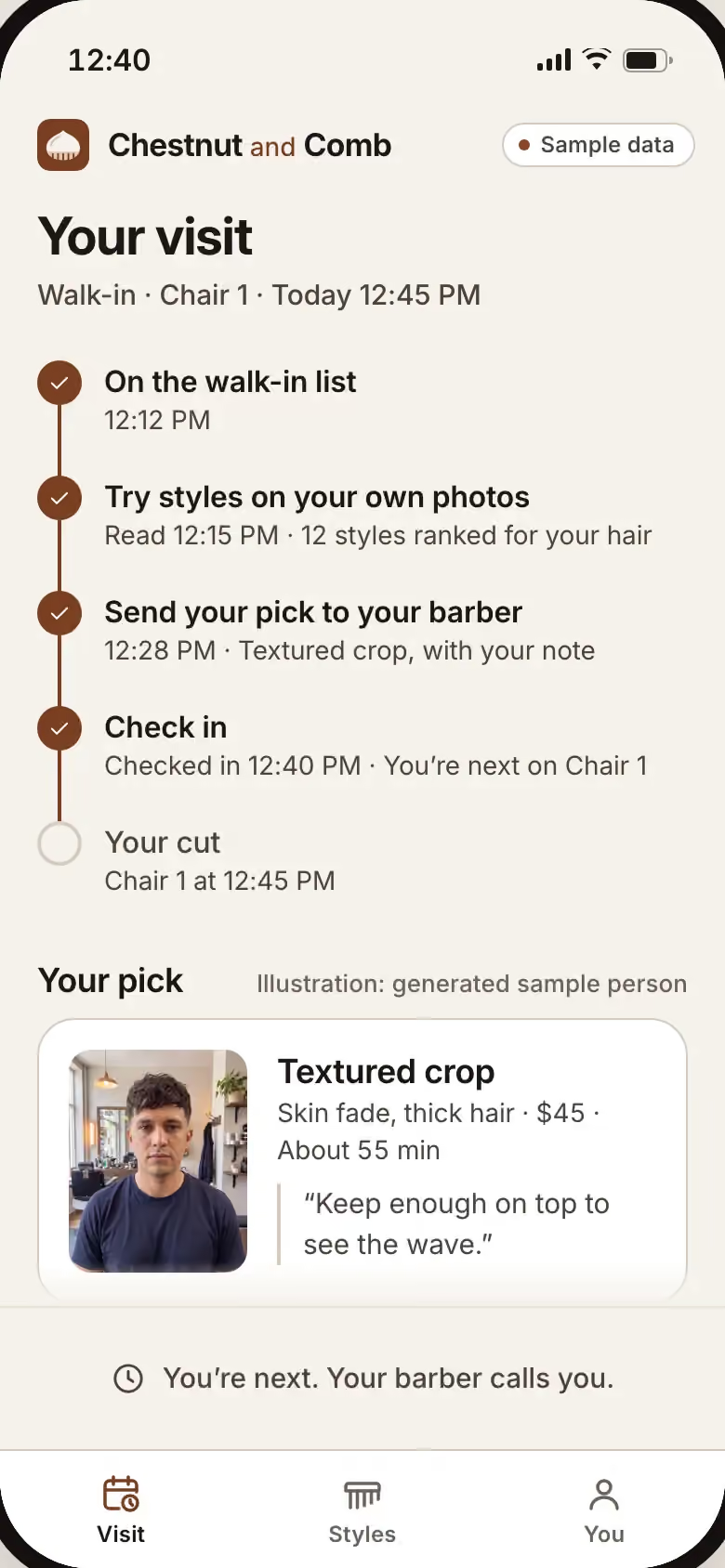
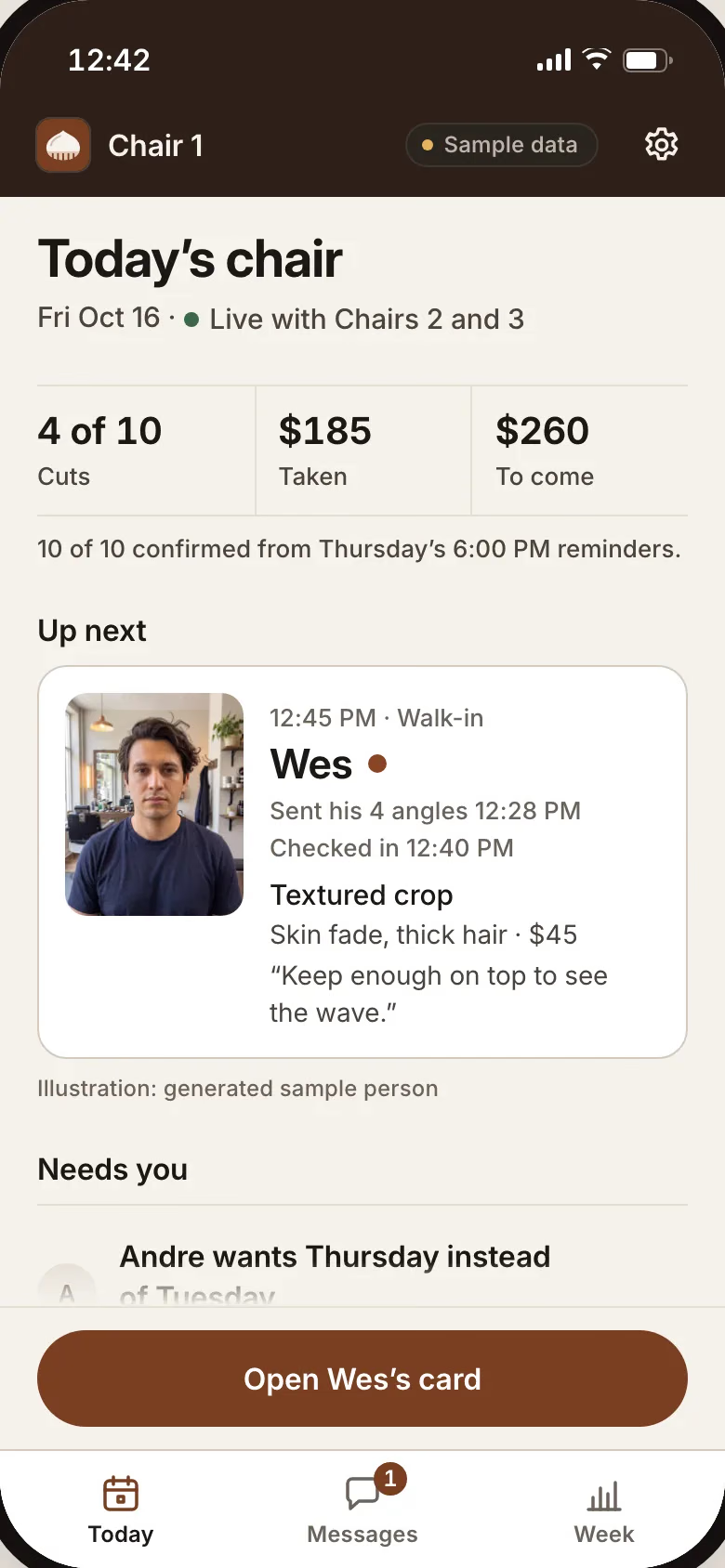
Ask new clients for 4 photos before the visit: front, back and both sides. Ask what they want to keep, and then what they want to change. A try-on in your app would go a step further: the client would take the 4 photos and try styles on, and you would look at them together before the cape goes on. That would be a custom feature for your shop, if you want it.
Chestnut and Comb, the booking app we built
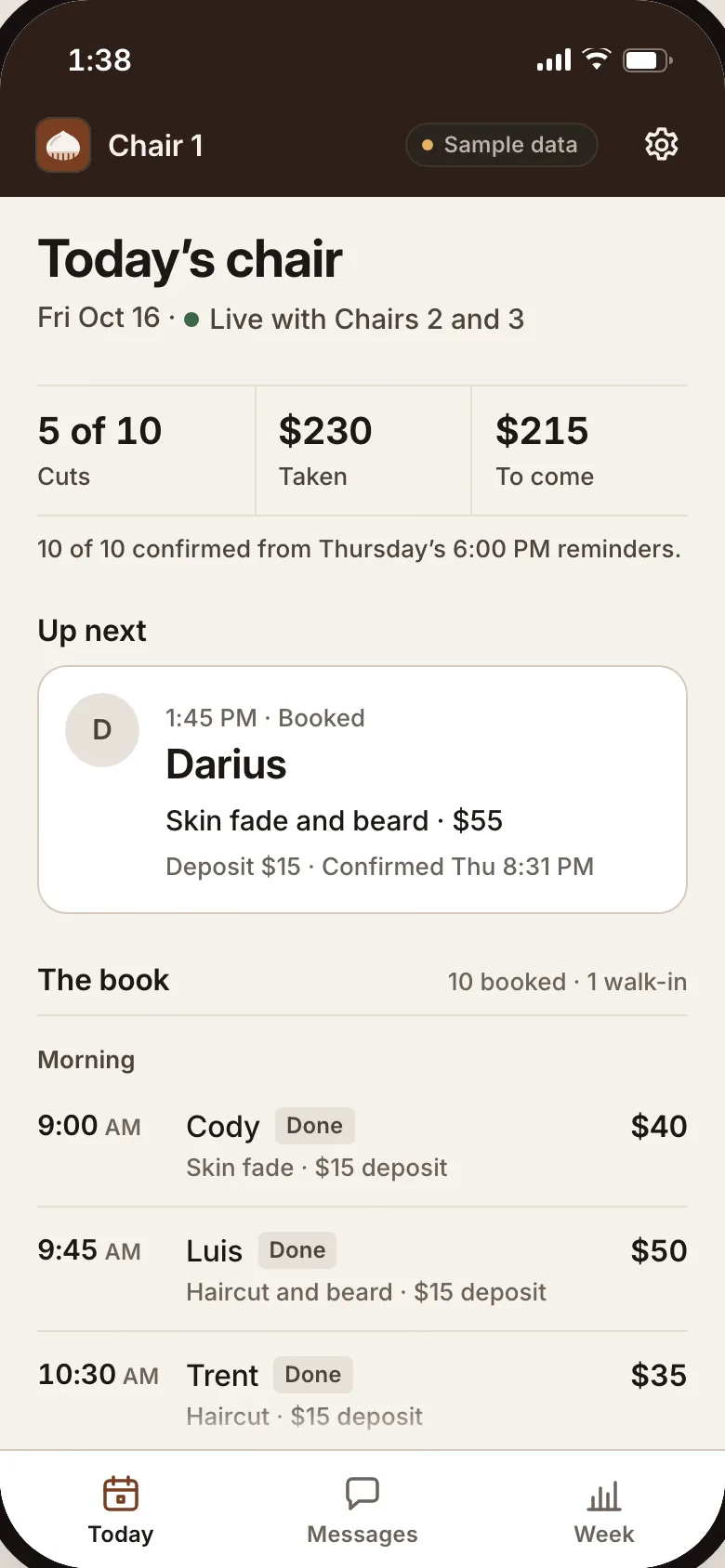
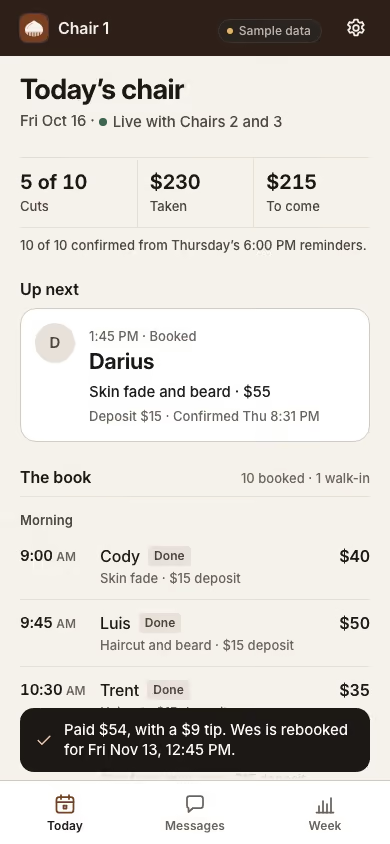
Chestnut and Comb is a real Joiner build, shown with sample data. Walk-ins join the list from the shop’s link, a held time takes a deposit, and a late cancel’s deposit is kept by the shop’s rule. A client takes 4 photos, tries styles on them and sends a pick to the chair. At the chair: paid, rebooked and a note for next time. Review requests and rebook links go out on their own, and the AI teammate’s drafted answers wait for your okay. Yours would carry your shop’s name, and clients would join from your link with no app to download. Try Chestnut and Comb.
Not ready to start? Have Otis audit your business, free.